


 Click on the image to view the original image

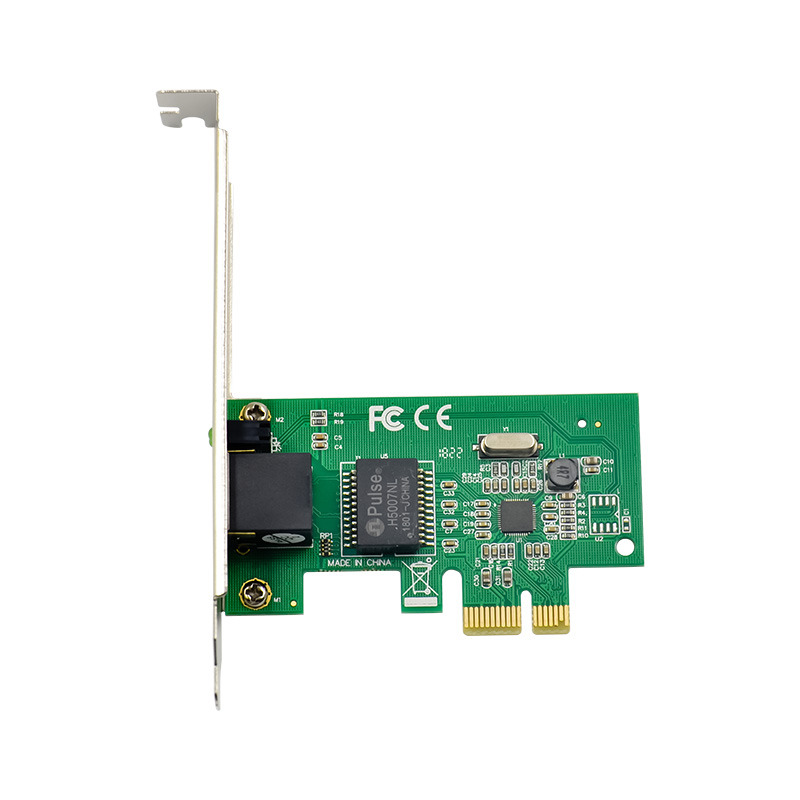
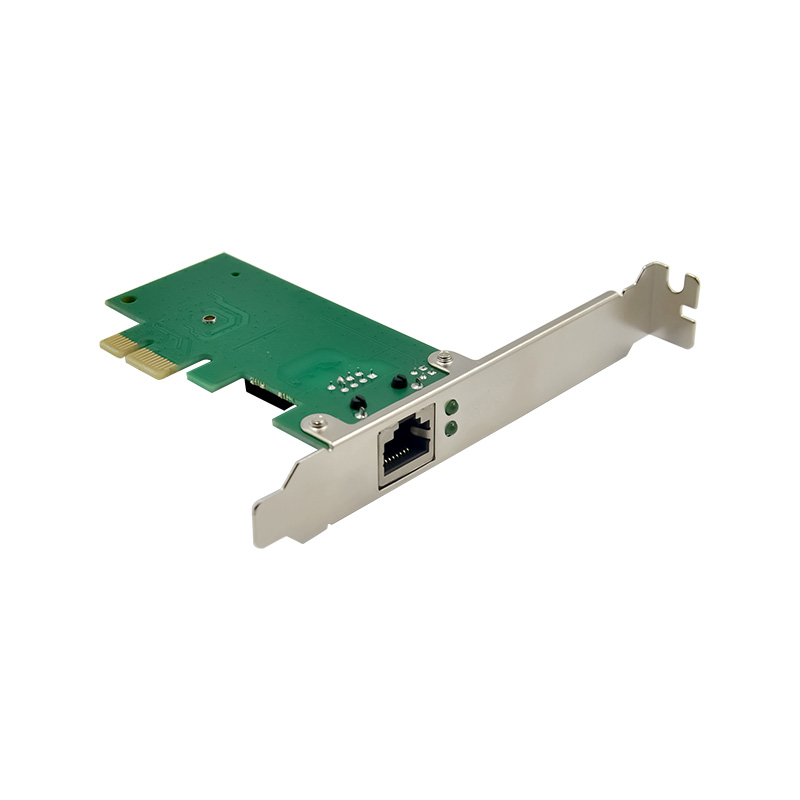
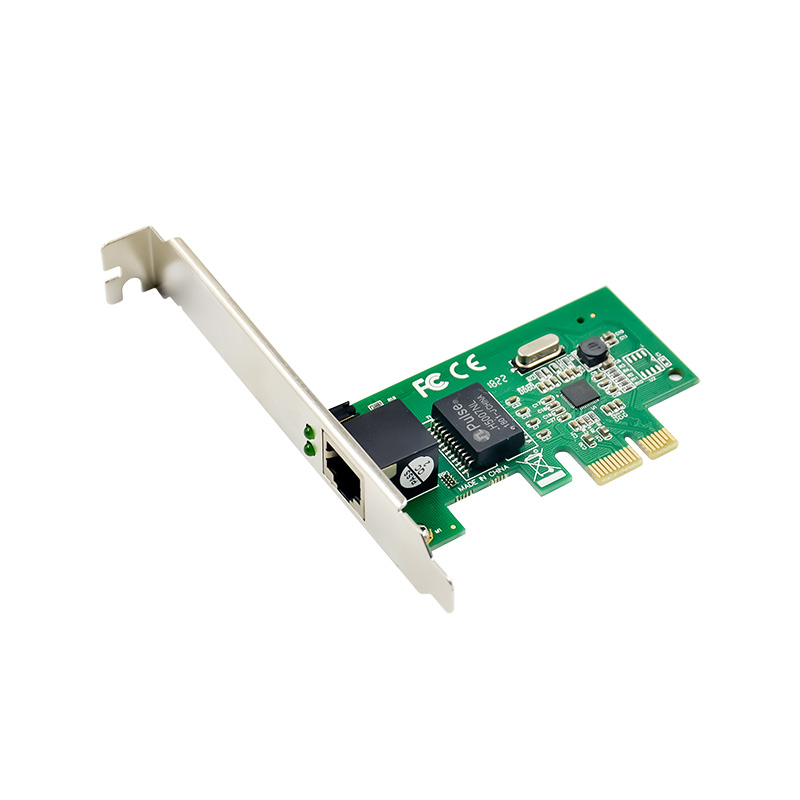
PCI Express 1X Network adapter specially designed to setup a long-distance link with a file server or a remote workstation. Compatible with a Multi-mode Gigabit 1000SX transceiver for fiber connection up to a 500-meter distance or a Single Mode Gigabit 1000LX/ WDM transceiver for fiber connection up to a longer distance (kms).
Product Feature.
* Complies with PCI-Express Revision 1.1
* 10/100/1000Mbps data rate auto negotiation operation* Backward compatible to 10/100BASE-T networking
* Compatible to existing CAT-5 UTP cabling
* Fully compliant with IEEE802.3,IEEE802.3u, IEEE802.3ab
* Supports half / full duplex mode and 802.3x Flow Control
* Supports IEEE802.1P Layer2 Priority Encoding,IEEE 802.1Q VLAN tagging
* Crossover Detection and Auto Correction operation
* Supports power down/link down power saving
* Wake-on-LAN and remote wake-up function support
Package content.
* 1 x PCIe Gigabit Ethernet Card
* 1 x User"s Manual
* 1 x CD Driver
System Requirements
* Windows® 98se/me/2000/XP/2003/Vista /Win7/2008/Win8 (32/64 bit)
* PCI Express-enabled system with an available PCI Express slot
Hardware installation.
1.Turn off the computer and unplug the power cord
2.Remove the computer cover and the adapter slot cover from the slot that matches your adapter
3.Insert the adapter edge connector into the slot and secure the bracket to the chassis
4.Replace the computer cover ,then plug in the power cord
5.Power on the computer
Install Drivers and software
Windows Operating Systems
You must have administrative rights to the operating system to install the drivers.
1.insert the CD driver bound with Intel network driver into your CD-ROM drive(also you can download the latest drivers from support website):
2.if the Found New Hardware Wizard screen is displayed, click Cancel
3.start the autorun located in the software package, the autorun may automatically start after you have extracted files.
4.Click install Drivers and Software
5.Follow the instructions in the install wizard to finish it
Installing Linux Drivers from Source Code
1.Download and expand the base driver tar file.
2.Compile the driver module
3.Install the module using the modprobe command
4.Assign an IP address using the ifconfig command