


 Click on the image to view the original image
led bulb with bluetooth speaker,bluetooth speaker led light bulb,bluetooth led light bulb speaker,led smart bulb
Introduction
Thank you for you choosing our products. It can give you light while you enjoy your music. In order to properly use the product, please read this manual carefully before using it.
Features
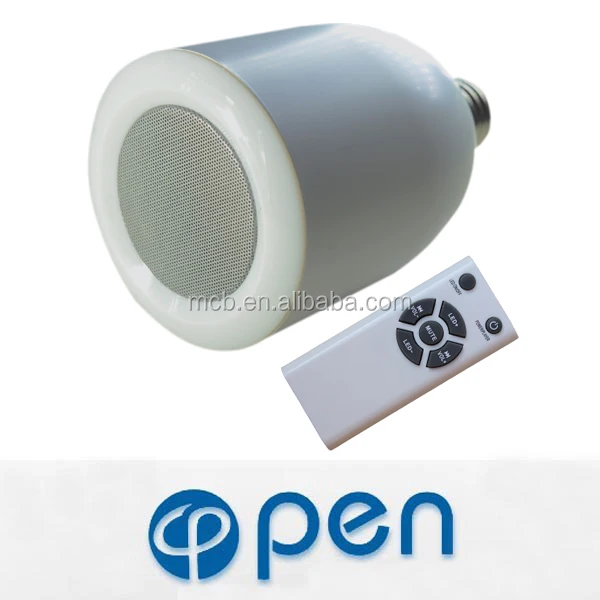
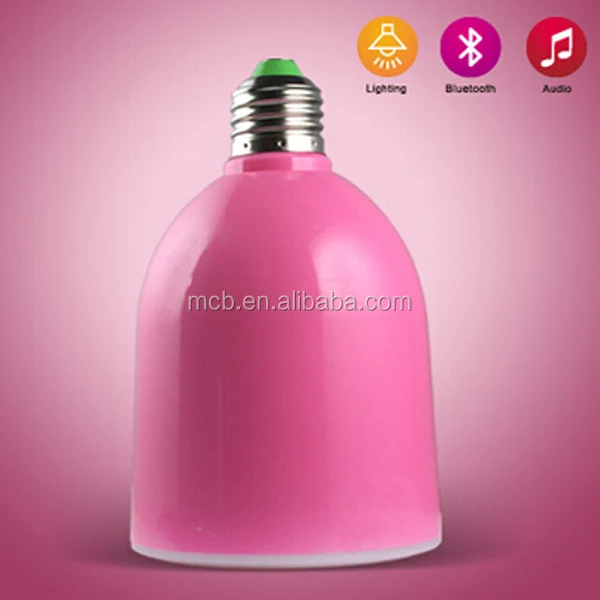
Unique innovative design 2-in-1 wireless bluetooth speaker and LED light bulb;
Supports HSP, HFP, A2DP, AVRCP bluetooth wireless audio profile, for use with ANY Bluetooth wireless audio profile, for use with ANY Bluetooth enabled devices:
Support Bluetooth 3.0+EDR, Enhanced Data Transfer. Transmitting/ receiving working distance up to 30 feet;
Pure digital technology, DSP giving high audio purity and clarity;
CE,RoHs approved and fully compatible with other bluetooth enabled devices.
Specification

| Specification | |
| Power | LED 7.5W(700-900LM); Speaker 10W |
| Interface | E27/E26/B22 |
| Amplifier | ClassD |
| Bluetooth transmission | 2.4G |
| Bluetooth transmit distance | 10 meters |
| Signal output | 300-15K audio signal |
| Working temperature | -20℃-40℃ |
| Working voltage | AC100V-240V |
| Life | >50000 hours |
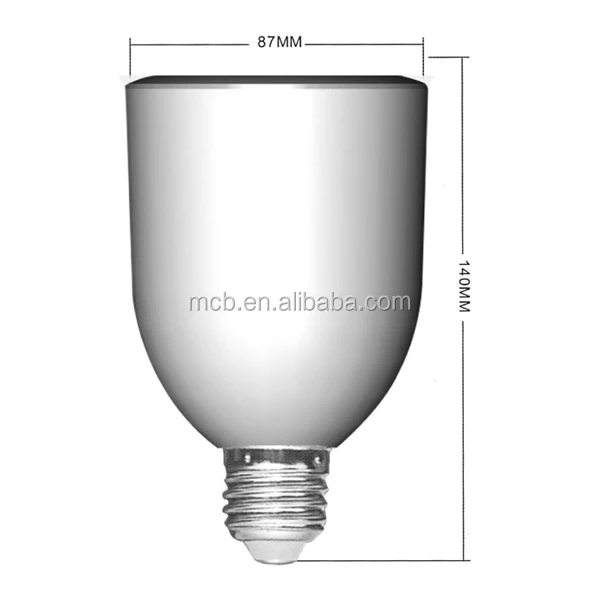
| Lampshade size | >5 inch |
| Environmental protection level | No mercury pollution |

| |
Remote control
|
| 1. Play/pause when playing music, extended press to turn on, extended press again to turn off. |
| 2. Skip to the next: hold down" VOL+" until playing. |
| 3. Back to last: hold down" VOL-" until playing. |
| 4. MUTE |
| 5. LED lamp on/ off |
| 6.Decrease LED Brightness |
| 7.Increase LED Brightness |
How to use
Step 1
1.Turn off the light switch
2.Twist the wireless speaker LED light into a standard light socket
3.Turn on the light switch
Step 2
1. Wireless speaker LED light enters pairing mode automatically after power on
2. The speaker will make a " beep" sound when LED bulb is connected to the power
3. Adjust the LED Brightness by remote control.
Step 3
1. Search for the bluetooth device named " LED-BT-speaker " on your Smart phone, tablet PC or laptop;
2. The speaker will make a " beep" sound when bluetooth is connected;
3. Enjoy your music
Trouble Shooting
| Problem | Solution |
| Cannot be powered on |
1. Make sure the light bulb is installed correctly and securely.
2. Make sure the light switch is at ON position.
3. Make sure the light socket is a standard E27. |
| Cannot connect to Bluetooth device |
1. Ensure bluetooth speaker LED light has already entered pairing mode.
2. Ensure the Bluetooth devices is in the effective working range(30 ft).
3. Delete the bluetooth speaker LED light name entry from your Bluetooth device paired memory list and re-pair your device with bluetooth speaker LED light.
4. Ensure that both your Bluetooth device and bluetooth speaker LED light are not connected to any other devices.
5. On some Bluetooth devices. you may need to select bluetooth speaker LED light as your default output device after pairing is Completed |
| Connected to Bluetooth cell phone but di not play music |
1. Verify that there is electricity to the bluetooth speaker LED light.
2. Double check whether the correct music source is selected.
3. Try to re-pair the bulb with your Bluetooth device.
4. Do not install these bulbs on a socket with dimmer switch. |
| The sound has a loud hum or buzzing |
1. Turn your Bluetooth device or other source component's volume down.
2. Move the unit away from potential interference sources. Such as microwave ovens, fluorescent light. etc. |
| No sound |
1. Check whether the device is in mute or not.
2. Verify that there is no other device connected to bluetooth speaker LED light.
3. Check the connection between your Bluetooth device and bluetooth speaker LED light.
4. Try to restart bluetooth speaker LED light or your Bluetooth device.
|


Application
Living room, bedroom, studyroom, kitchen, bathroom, Passageway
Customer Photo
Show Photo
Company information