



 Share
Share











Brand: |
none |
Address: |
China |
Min.Order: |
none |
Supply: |
none |
Valid until: |
Long Term |
Product Details
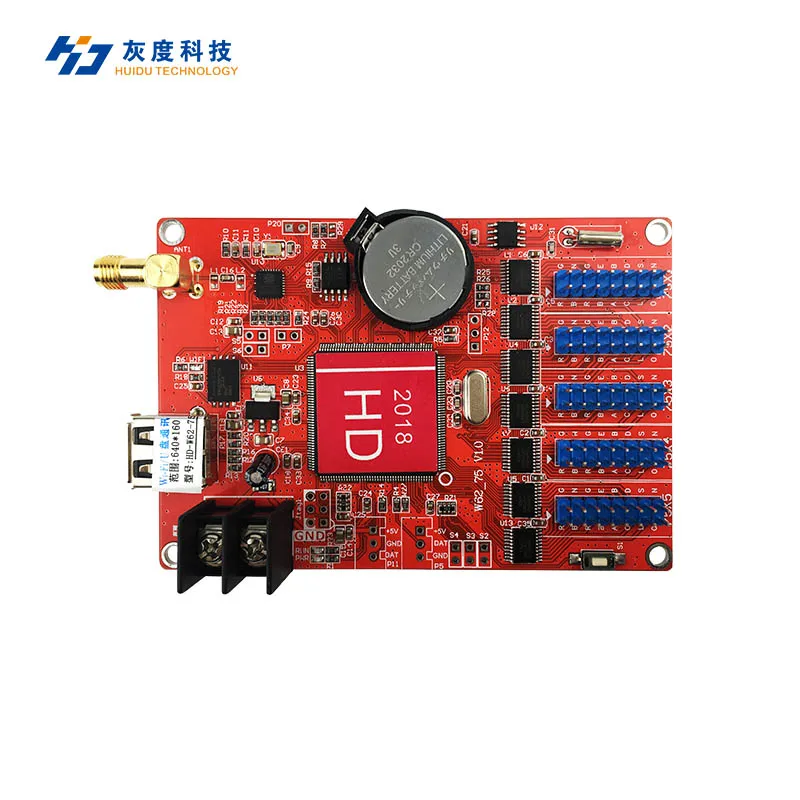
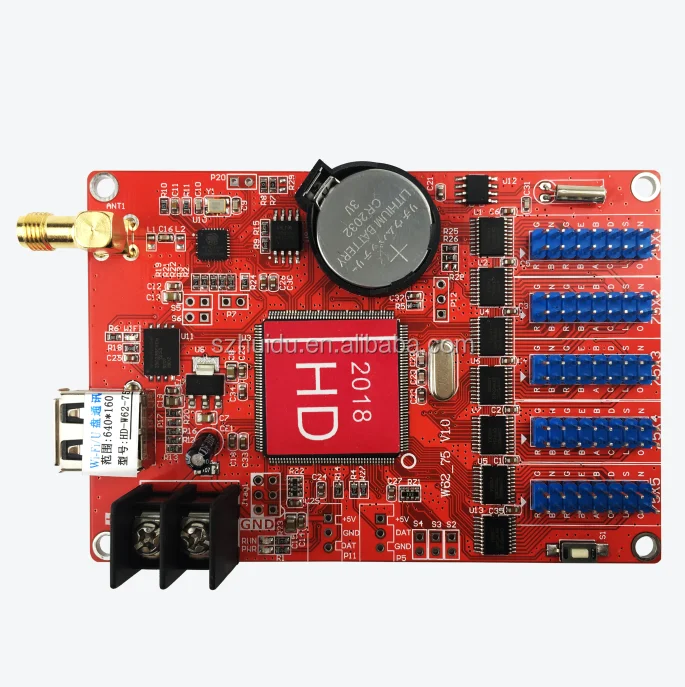
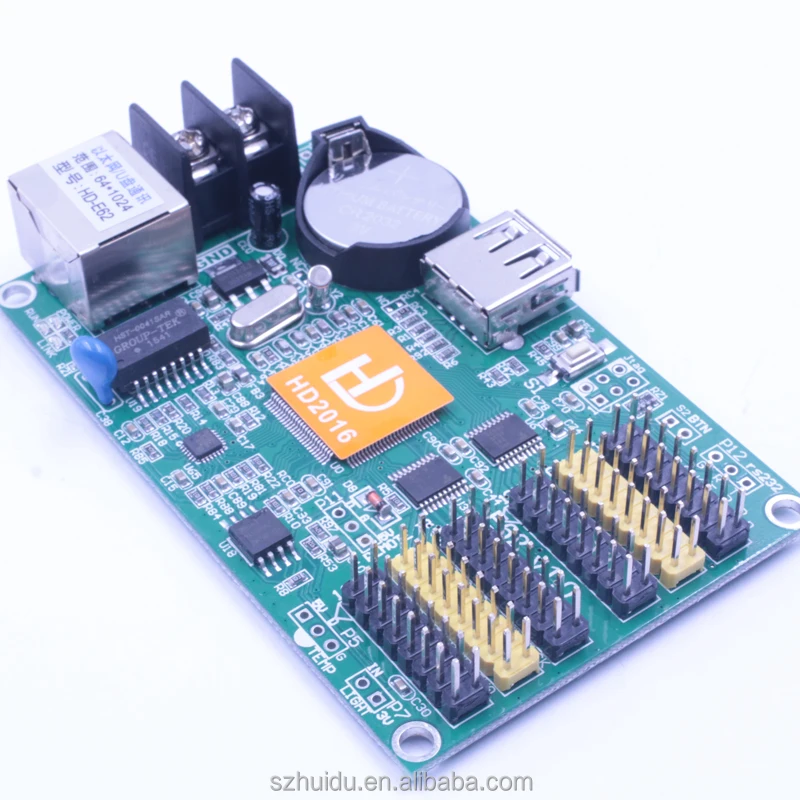
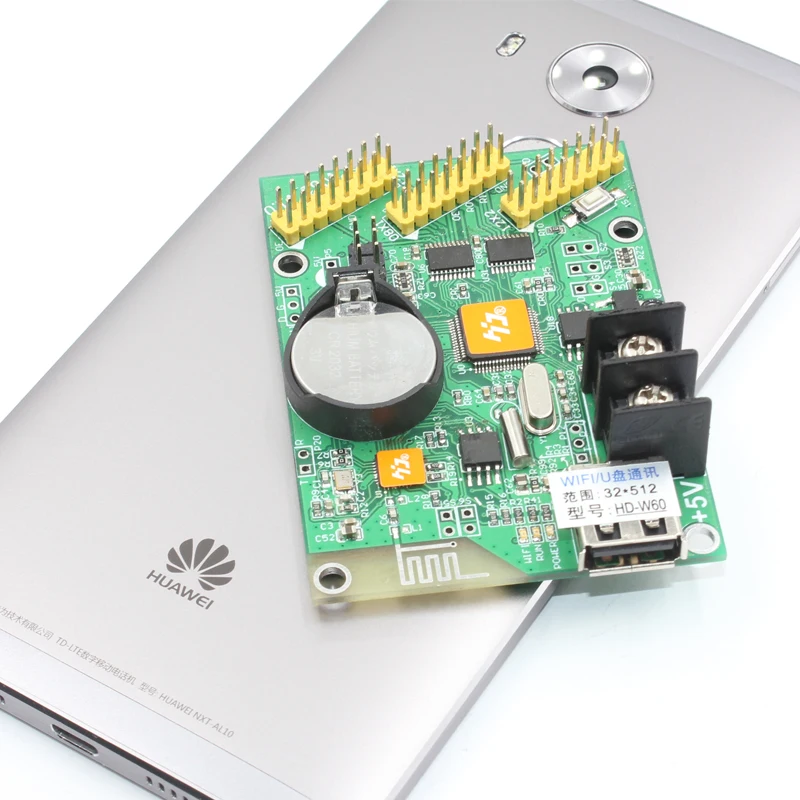
Single-color control card HD-W62-75
W62-75 support tricolor Wi-Fi control card, update programs by Wi-Fi connected, it has USB port,can also using the U disk to update the program. Low cost, Cost-effective,simple software interface, easy to operate,better display information,good effect,supports variety kinds of single-color display.
Application software:HD2018 or HD2020, LedArt.

1. Mainly Features
|
Content |
Performance |
|
Support module |
Full-color,Various conventional scanning methods |
|
Control range |
Tricolor:640*160,1280*64 |
|
FLASH Capacity |
32M Byte |
|
Communication Port |
U-Disk,Wi-Fi |
|
Support Tricolor |
Full-color module can display red, green, blue, yellow, Purple, green, white |
|
Program Quantity |
Max 1000 pcs programs,Can control by buttons,Remote Control switching. |
|
Area Quantity |
20 pcs areas with separate zone and separate special effects and border |
|
Display Showing |
Text,Animated word,3D Word,Image & Text(Picture,SWF),Excel,Time,Temperature(humidity),Timing,Count,Lunar calendar |
|
Display |
Sequence display,button switch,remote control |
|
Display effect
|
1,Text,Picture,Time,Timing,Temperature or temperature and humidity(external module required)Display 2,Support program border,regional border settings,support custom borders 3,A variety of action display 4,More than 40 kinds of text effects display 5,Support simple animations word 6,Support hollow fonts, outline fonts and other settings 7,Support regional text and background settings 8,Support Excel form directly adding |
|
Clock function |
1,Support perpetual calendar,Analog clock,Lunar calendar 2,Count up,Count down display 3,The font,size,color and position can be set freely 4,Support multi time zone display |
|
Extended equipment |
Temperatures,Humidity,Remote control,Photosensitive sensors. etc. |
|
Automatic switch screen |
Support timer switch machine |
|
Dimming |
Support three brightness adjustment mode |

1:Connect to Wi-Fi antenna;
2:USB port,Updated parameters and programs by U-disk;
3:Power connector, connect 5V power supply;
4:Test button,click to switch screen test status;
5:5 HUB75E port,connect the LED display;
6:S2,Connect the point switch,switch to the next program, the timer starts, count plus;
S3,Connect the point switch,switch the previous program,timer reset,count down;
S4,Connect the point switch,program control, timing pause, count reset;
7:P5,Connect the temperature/humidity sensor; P11,Connect the IR,by remote control.;
8:P7,Connect the brightness sensor.
1)Connect Wifi
2) Another Working ways: use U-disk(or pen drive ) udapted program ,no need putting lines,
no need PC
a. Edit the program in software HD2018
b. Then click software “to U-disk",the program import to your flash memory( U-disk)
c. Pull out the Flash memory ( U-disk) to the USB port of controller, the program updated
3) Also can use mobile APP to edit and send Program
The mobile APP it can download in website www.huidu.cn
The mobile APP name :LedArt( also aftered download,also can share to frineds)
4) Mobile APP it can download in website www.huidu.cn
Also can use mobile to open our wesite www.huidu.cn (the APP name :LedArt)


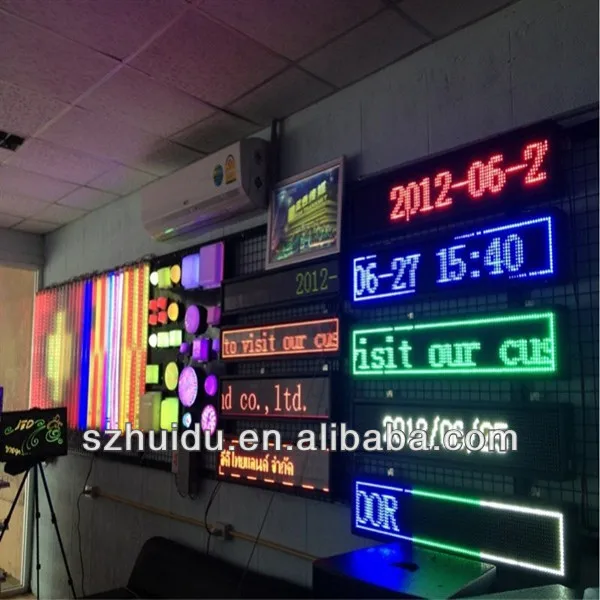
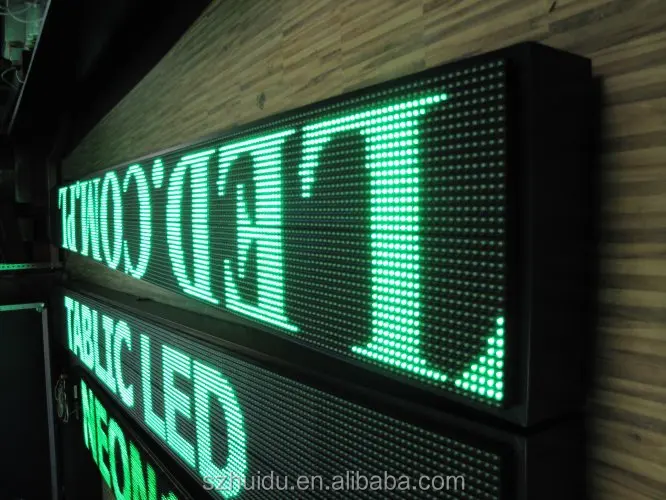
5). Showing effects
If you have any question, welcome contact me to learn more detail!


Customer Reviews total 0 items